How to Choose the Best Rack Mount Computers for Your Needs?
Choosing the right rack mount computers can feel daunting. These machines serve various purposes, from handling data centers to supporting gaming rigs. Selecting one that meets your specific needs is crucial for optimal performance.
In the world of IT, understanding your requirements is essential. Rack mount computers come in various sizes, configurations, and specifications. Some might excel in processing speed, while others focus on energy efficiency. Visualize where the computer will be used. Is it in a cramped server room? Or does it occupy a spacious workspace? Each scenario dictates different sizes and features.
You may think a powerful machine is the answer, but that’s not always the case. Too much power can lead to unnecessary energy costs. It's important to consider your budget against the features you truly need. Without careful consideration, you might end up overpaying for capabilities you won’t utilize. Take your time, reflect on your choices, and ensure the computer fits seamlessly into your setup.

Understanding Rack Mount Computers: Definition and Importance
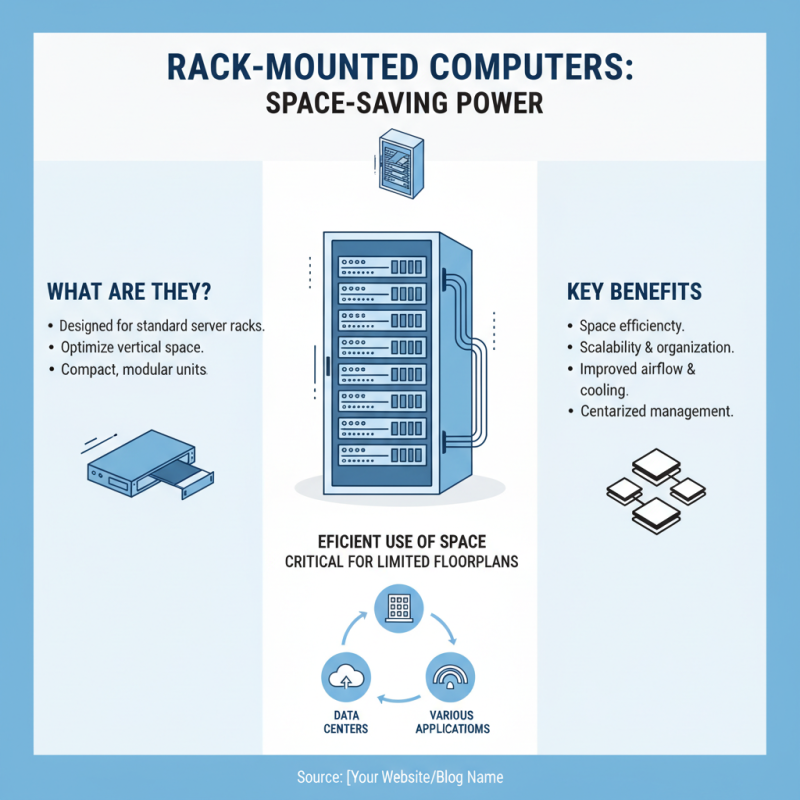
Rack mount computers are essential for various applications. They are designed to fit into standard server racks, optimizing space. These computers are often used in data centers, offices, and server rooms. Their compact size allows efficient use of vertical space, crucial for organizations with limited floor space.
The importance of rack mount computers lies in their performance and manageability. They can house powerful components. However, choosing one can be challenging. Users must consider factors like cooling, power supply, and accessibility. Some designs may restrict airflow, leading to overheating issues. This needs careful reflection during the selection process.
Wire management is another crucial aspect. Poor organization can lead to confusion and maintenance problems. Simple cable management solutions can enhance airflow and ease troubleshooting. Additionally, the ease of access to components is key for upgrades or repairs. Balancing functionality with space constraints often requires thoughtful consideration.
Key Features to Consider When Choosing Rack Mount Computers
When selecting rack mount computers, key features can make a big difference. Start by considering the size and form factor. Ensure it fits your rack space. A standard 1U or 2U chassis might be ideal for tight spots. Check the depth as well; too deep can lead to airflow issues. Know your server environment. High-density applications need more power.
Another crucial factor is performance. Look at the processor options available. Multi-core CPUs can handle more tasks simultaneously. Memory is just as important. Aim for upgradeable RAM slots, so you can expand as needs grow. Storage options also vary. SSDs offer speed, while HDDs provide capacity.
**Tip:** Think about noise levels. If the computer will be in a quiet office, choose models with less fan noise.
Lastly, consider connectivity features. Multiple ports for USB, Ethernet, and video outputs can improve functionality. Also, investigate management options like remote access. This can save time during troubleshooting.
**Tip:** Evaluate the cooling systems. Poor cooling can lead to overheating. Make sure airflows are properly managed in your rack setup.
How to Choose the Best Rack Mount Computers for Your Needs? - Key Features to Consider When Choosing Rack Mount Computers
| Feature |
Description |
Importance Level |
| Processor Type |
The type and performance of the CPU, which determines overall processing power. |
High |
| RAM Capacity |
Amount of memory available for running applications concurrently. |
High |
| Storage Options |
Types of storage available (HDD, SSD) and their capacities. |
Medium |
| Form Factor |
Size and compatibility with standard rack units (U). Common sizes are 1U, 2U, 3U. |
High |
| Networking Features |
Availability of Ethernet ports, support for different network speeds. |
Medium |
| Power Supply |
Type of power supply (single or redundant) and wattage rating. |
Medium |
| Cooling Solutions |
Types of cooling systems used to maintain optimal operating temperatures. |
High |
| Warranty and Support |
Duration and types of warranty offered along with customer support options. |
Medium |
Assessing Your Performance Needs: Processor, Memory, and Storage
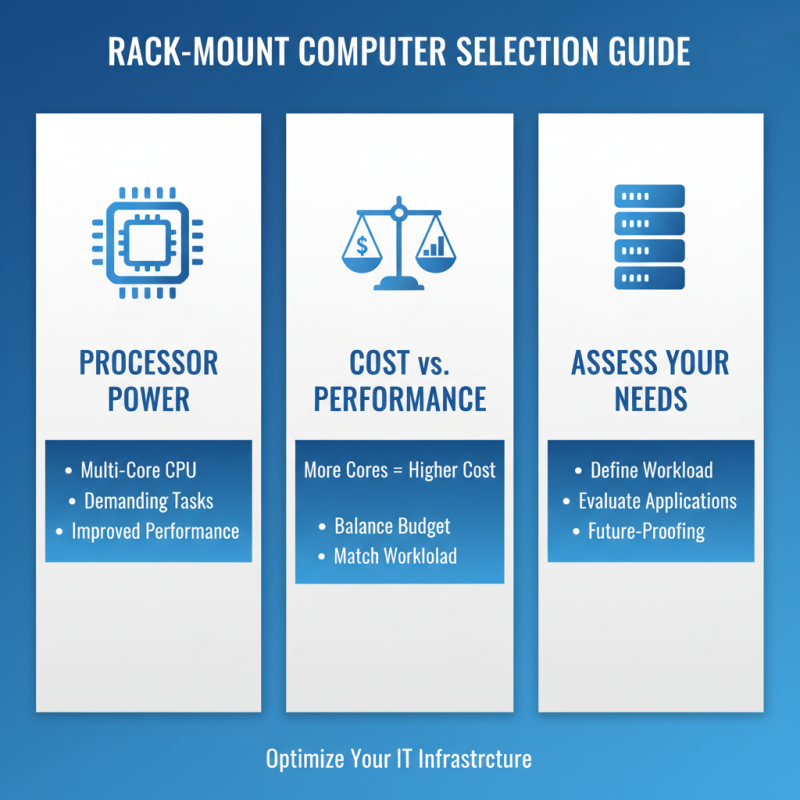
When selecting rack mount computers, understanding your performance needs is crucial. Start by assessing the processor. Look for multi-core options that can handle demanding tasks. A powerful CPU improves application performance. It’s essential to match the processor's capability with your workload requirements. However, more cores mean higher costs. So, balance your budget with performance expectations.
Memory is another vital factor. Aim for a minimum of 16GB for general purpose tasks. If you run memory-intensive applications, consider 32GB or more. This configuration allows for smoother multitasking and better responsiveness. Keep in mind that too much memory can become a waste if your tasks don't require it.
Storage options affect speed and capacity. Solid State Drives (SSDs) provide fast loading times and better reliability compared to traditional Hard Disk Drives (HDDs). However, SSDs can be pricier. A mix of both might suit those needing high speed for applications and ample space for data storage. Think carefully about your actual storage needs to avoid overspending. Consider your future growth as well, as upgrading later can be complex.
Evaluating Form Factor and Compatibility in Rack Mount Solutions
When evaluating form factor and compatibility in rack mount solutions, understanding your specific requirements is essential. According to a recent data report by TechTarget, nearly 48% of IT professionals reported that size constraints significantly impact their hardware choices. Rack mount computers come in various dimensions, depending on the server rack's specifications. Choosing the right size ensures proper airflow and efficient cooling. A 1U server may save space, but it might compromise performance under high loads.
Compatibility should also be prioritized. A survey by IDC found that 42% of system failures arise from improper hardware integration. It is crucial to ensure that every component—from processors to power supplies—aligns seamlessly within your chosen rack system. Additionally, consider future upgrades. A range of mounting options can accommodate different servers. However, users often overlook the implications of limited expansion capabilities in the selected rack mount design. Regularly reassessing compatibility with ongoing technological advances is vital for maintaining operational efficiency.
Comparison of Rack Mount Computer Form Factors
Budget Considerations: Finding the Best Value in Rack Mount Systems
When selecting rack mount computers, budget considerations play a vital role. The price range can vary significantly based on specifications and purpose. A basic system may cost less, but it might lack processing power. On the other hand, high-end models can drain your resources quickly. Understand your workload requirements first. Assess how much power and speed you truly need.
Comparing different systems can be overwhelming. Look for features that align with your specific needs. For instance, if you process large datasets, invest in faster processors and more RAM. However, this can lead to overspending. It's essential to find a balance between features and cost. List your must-have specs and prioritize accordingly.
Many buyers focus too much on the latest technology. Yet, sometimes last year’s models are available at a steep discount. These options often provide excellent performance without burning a hole in your wallet. Also, keep in mind potential hidden costs, like extra cooling or power supplies. Reflect on your long-term needs to ensure you're making a sound investment.