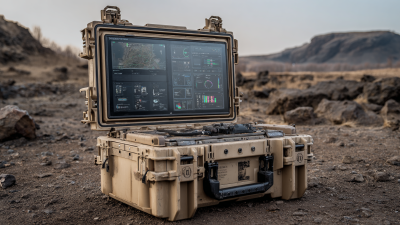
What is a Ruggedized PC and Why Do You Need One?
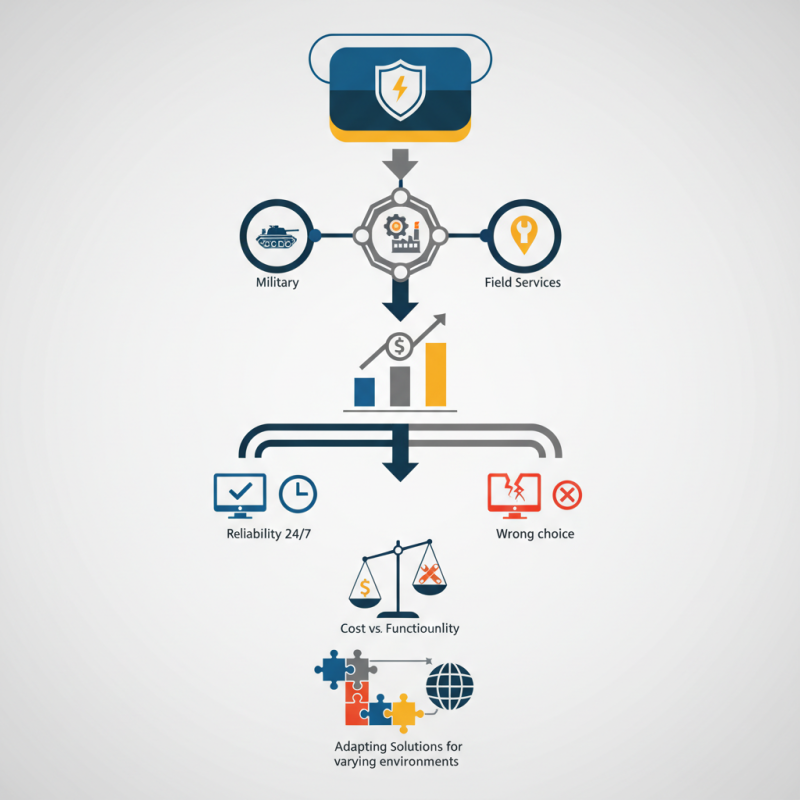
In the ever-evolving world of technology, a "ruggedized PC" emerges as a crucial tool. These specialized computers are designed to withstand extreme conditions. According to a report by MarketsandMarkets, the rugged computing market is projected to reach $7.6 billion by 2026. This growth reflects the increasing demand across sectors like military, manufacturing, and field services.
Experts highlight the importance of ruggedized PCs in operational efficiency. Dr. James Anderson, a leading figure in rugged technology, stated, “Ruggedized systems significantly reduce downtime in harsh environments.” These devices offer improved reliability and durability, essential for industries facing harsh work conditions. Users can expect around-the-clock performance, even in extreme temperatures, dust, and moisture.
Despite these advancements, challenges remain. Not all ruggedized PCs are created equal, and choosing the wrong model could lead to unintended consequences. The balance between cost and functionality often raises questions. Users must consider their specific needs and avoid overlooking critical features. As the market evolves, the focus must shift to adapting ruggedized solutions effectively for varying environments.
What Defines a Ruggedized PC?
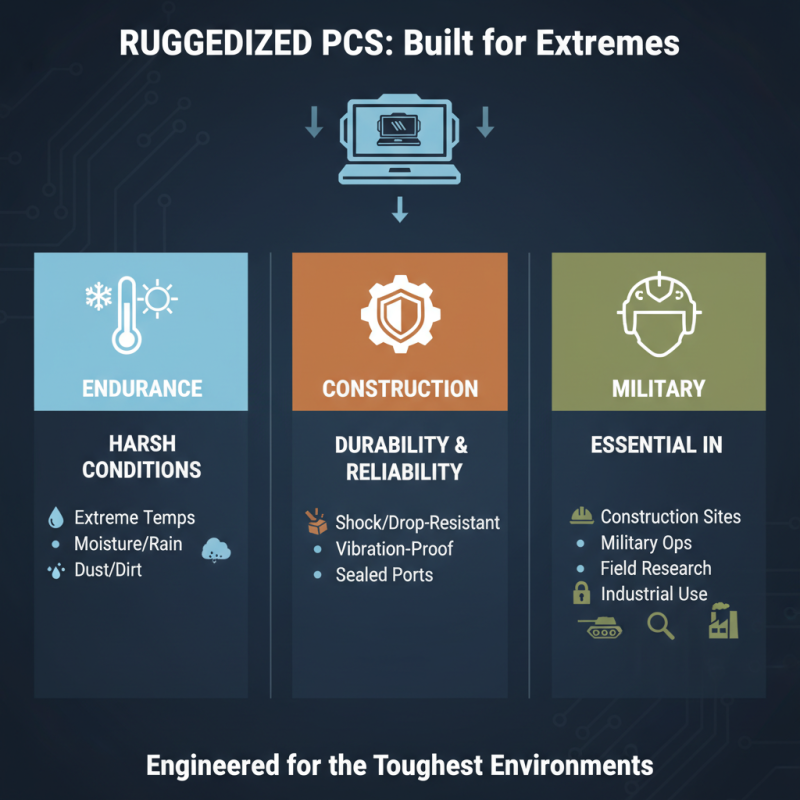
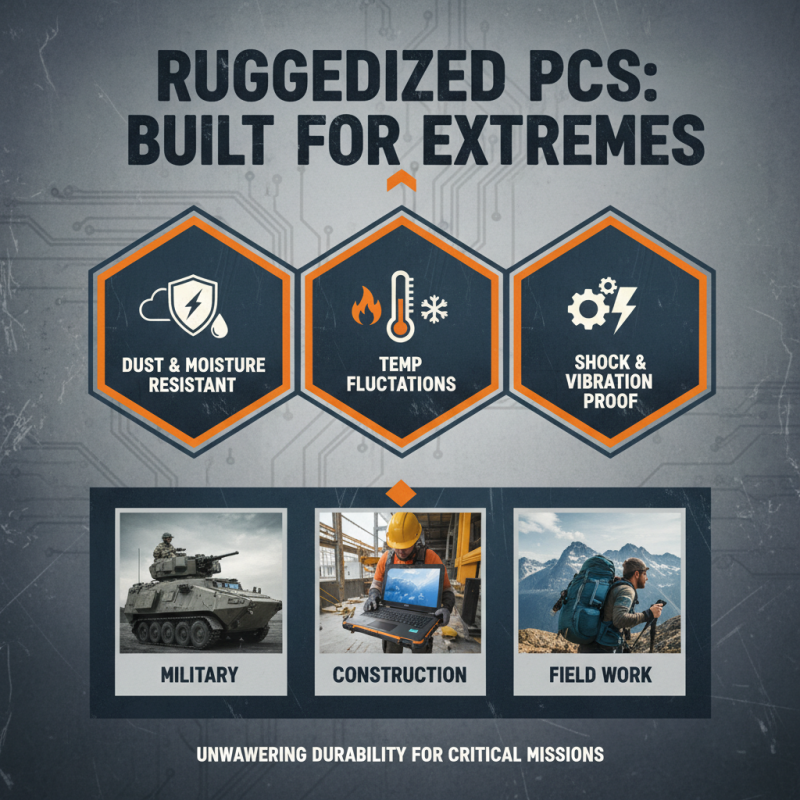
A ruggedized PC is designed to withstand extreme conditions. It is built to perform in harsh environments, like construction sites, factories, or even the great outdoors. These PCs have special features that make them durable. They resist shock, vibration, dust, and moisture. The materials used are typically tougher than standard computers.
What defines a ruggedized PC? One key aspect is its housing. Often made from metal or reinforced plastic, it offers better protection. Enhanced sealing techniques prevent dust and water from entering the device. Additionally, ruggedized PCs usually have superior cooling systems. This ensures they function well in high temperatures.
**Tip:** Consider where you plan to use the ruggedized PC. Settings with high humidity or dust may need extra protection features.
Battery life is another crucial factor. Ruggedized PCs often have extended battery options. They can endure longer usage without shutting down. However, not all rugged devices are created equal. Some may still fail in extreme conditions. It's important to evaluate each model closely.
**Tip:** Look for user reviews about performance in real-world scenarios. This can help you pick the right device for your needs.
Ruggedized PCs often come with unique mounting options as well. They can be fixed in vehicles or on equipment. This flexibility adds to their appeal in various industries. Nevertheless, keep in mind that ruggedized devices can be heavier and bulkier.
What is a Ruggedized PC and Why Do You Need One?
| Feature |
Ruggedized PC |
Standard PC |
| Durability |
Designed to withstand extreme environments |
Not built for high impact or harsh conditions |
| Temperature Resistance |
Operates in -40°C to 60°C |
Typically operates in 0°C to 35°C |
| Protection Class |
IP65 or higher |
Usually IP40 |
| Shock Resistance |
Can withstand vibrations and drops |
Not designed for significant shock |
| Longevity |
Longer life in tough conditions |
Shorter lifespan in extreme conditions |
| Use Cases |
Military, industrial, outdoor fieldwork |
Office, home, regular environments |
Key Features of Ruggedized PCs Compared to Standard PCs
Ruggedized PCs are built to endure harsh conditions. Unlike standard PCs, they can resist extreme temperatures, moisture, and dust. These devices are essential in industries like construction, military, and outdoor research. They are specifically designed for durability and reliability.
One key feature of ruggedized PCs is their enhanced casing. This casing often meets military standards for protection. Standard PCs don’t offer this kind of resilience. Additionally, rugged PCs use solid-state drives instead of traditional hard drives. This change makes them less likely to fail when dropped or shaken. The screens are also often more durable, with anti-glare and shatter-resistant features.
Tips: When selecting a ruggedized PC, consider your specific needs. Think about the environment in which it will operate. Also, check the battery life and port options. Make sure it fits your requirements. Sometimes, a ruggedized PC may feel bulkier than a standard one. Embrace this difference as a necessary trade-off for added durability.
Common Applications and Use Cases for Ruggedized PCs
Ruggedized PCs are built to endure harsh environments. They resist shock, vibration, dust, and extreme temperatures. In industries like military, oil and gas, and manufacturing, these features are essential. For example, according to a recent industry report, nearly 70% of ruggedized computer users prioritize durability. Standard PCs might fail in these settings, leading to costly downtime.
Field operations often face unpredictable conditions. Workers in construction or maintenance need reliable devices. A ruggedized PC can function in temperatures ranging from -20°C to 60°C. It can also withstand drops up to 1.5 meters. These specifications ensure that the device doesn’t fail during critical tasks. Companies often report a 50% reduction in equipment failure rates after switching to ruggedized models.
Moreover, ruggedized PCs frequently feature enhanced connectivity options. They support 4G LTE and Wi-Fi for seamless communication. This is vital for real-time data access. Yet, many users overlook the importance of long battery life. Devices can operate for 8 to 12 hours on a single charge. Reliability and performance in extreme settings are crucial, but achieving this balance can be challenging for manufacturers.
Benefits of Using a Ruggedized PC in Harsh Environments
Ruggedized PCs are designed for extreme conditions. They withstand harsh environments like dust, moisture, and temperature fluctuations. This durability is essential for industries such as construction, military, and outdoor settings.
These devices often feature reinforced cases and strengthened screens. For example, they can endure drops and shocks without breaking. The keyboards may spill-resistant, minimizing downtime from accidental liquid exposure. A ruggedized PC can operate within a wide temperature range, from freezing cold to scorching heat.
However, choosing a ruggedized PC comes with challenges. They often weigh more than standard models. The initial investment can be higher, too. Not every task requires a rugged device. Sometimes, a standard laptop suffices. Consider your operational needs carefully. Only invest in a ruggedized PC if the conditions truly demand it.
Factors to Consider When Choosing a Ruggedized PC
When considering a ruggedized PC, several factors come into play. Start with the operating environment. Whether it’s a construction site or outdoors, the device needs to withstand dust, moisture, and extreme temperatures. Look for features like sealed ports and sturdy casings. These can add to the device's lifespan.
Performance is another critical factor. A ruggedized PC must handle demanding tasks, like data processing and graphics. Check for powerful processors and ample RAM. Yet, be mindful of the trade-off; higher performance can lead to shorter battery life. Balancing these needs can be tricky.
**Tip:** Always read user reviews to get real-world performance insights.
Weight matters too. A heavier device may imply sturdiness but can be cumbersome. Think about portability if you’ll be moving it often. Battery life shouldn't be overlooked. Longer battery life means less downtime.
**Tip:** Opt for models with battery-saving features.
In a rapidly changing field, consider future-proofing. Choose models that allow upgrades. You might not need every feature now, but flexibility is key. It's easy to feel overwhelmed by choices. Keep your specific needs in focus to make a well-informed decision.